Draft Windows screens are real, from the Demo login with made-up data. Hatched plates are Android screens still to come. Copy is a draft.

 by CoreWave Studio
Accounts and transactions
Every account in one place, every entry in seconds.
Bank accounts, cards and cash each get a ledger with a running balance. Add income, expense or a transfer without leaving the account.
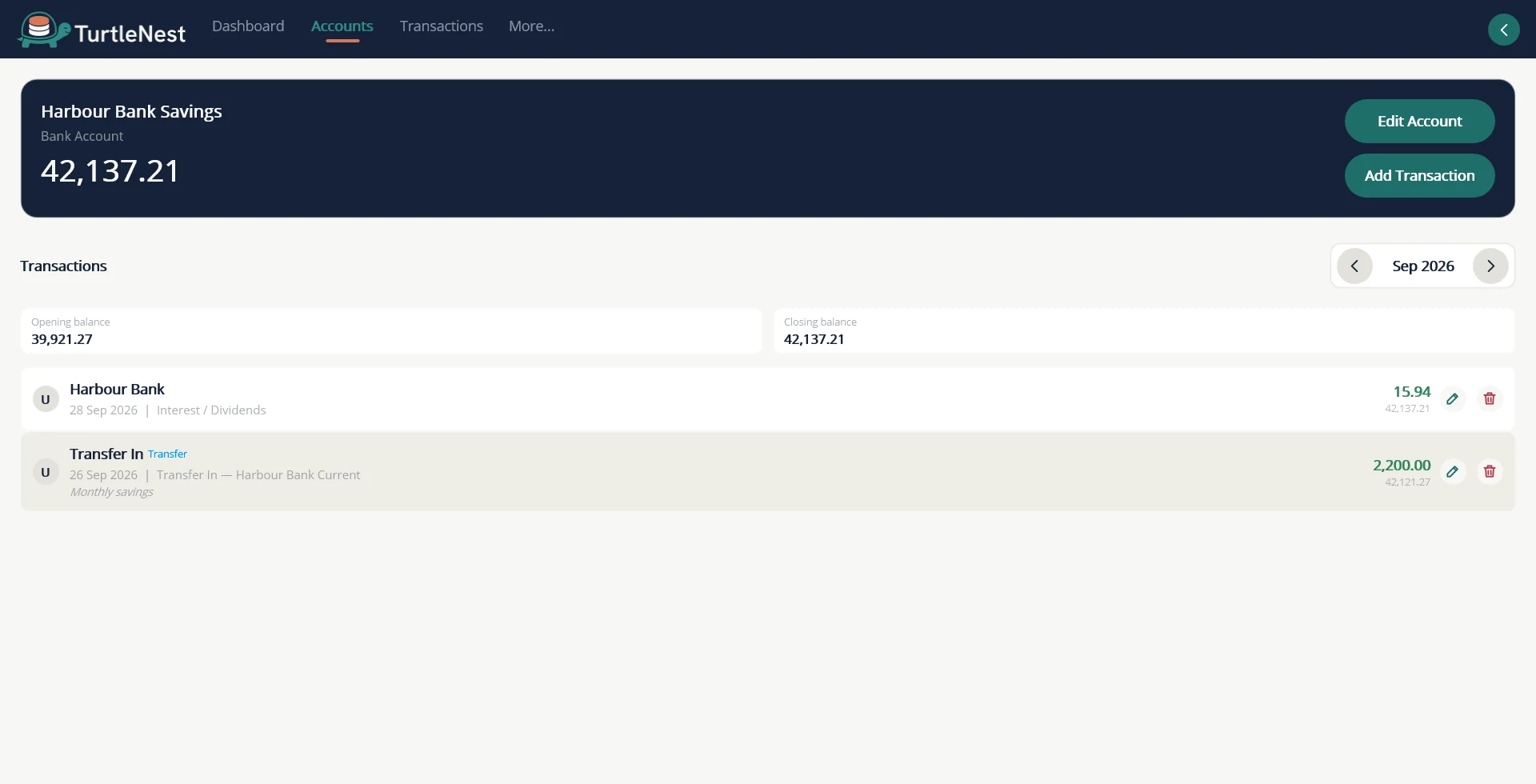
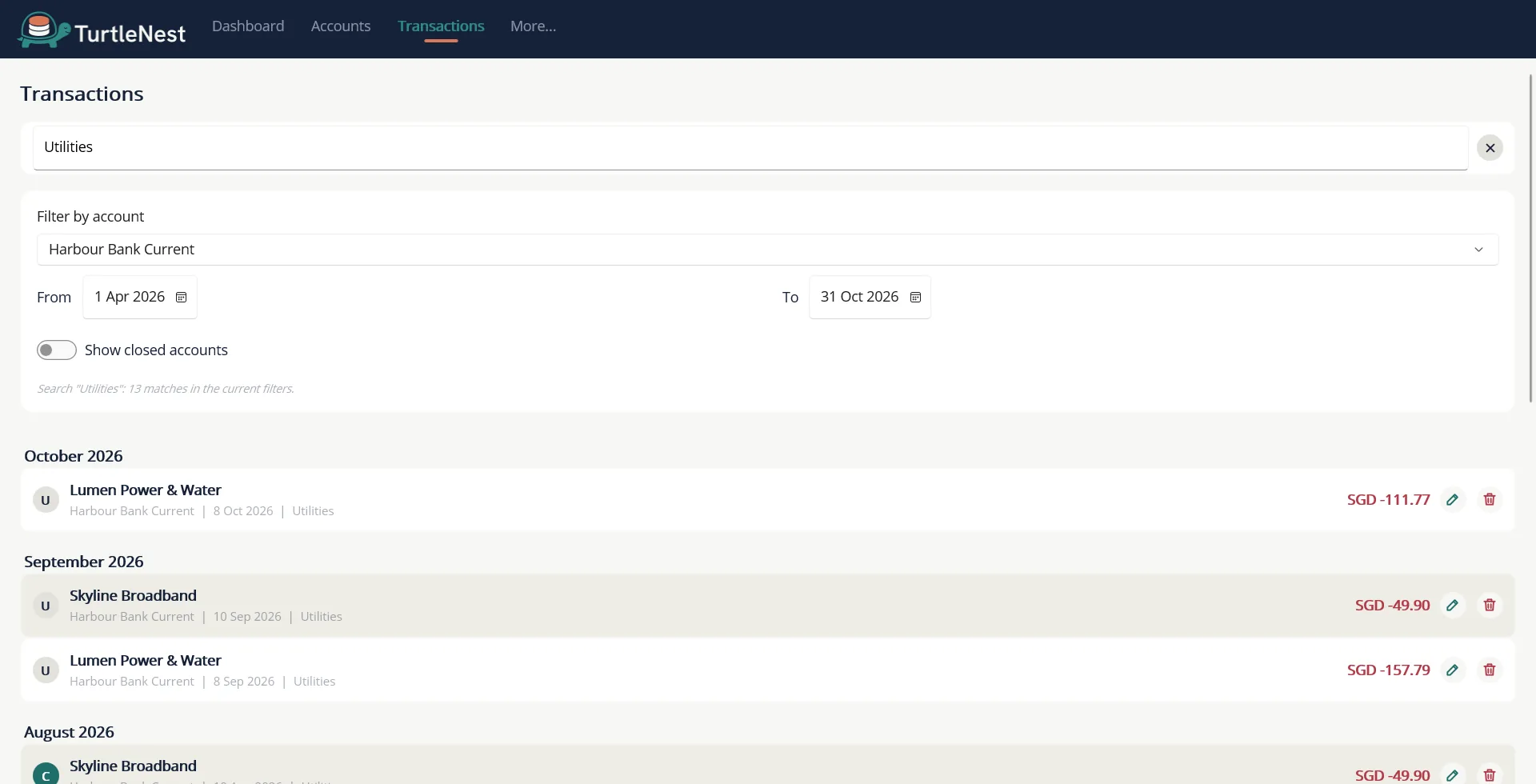
- A ledger per accountRunning balance, a date range filter, and edit or delete on any row.
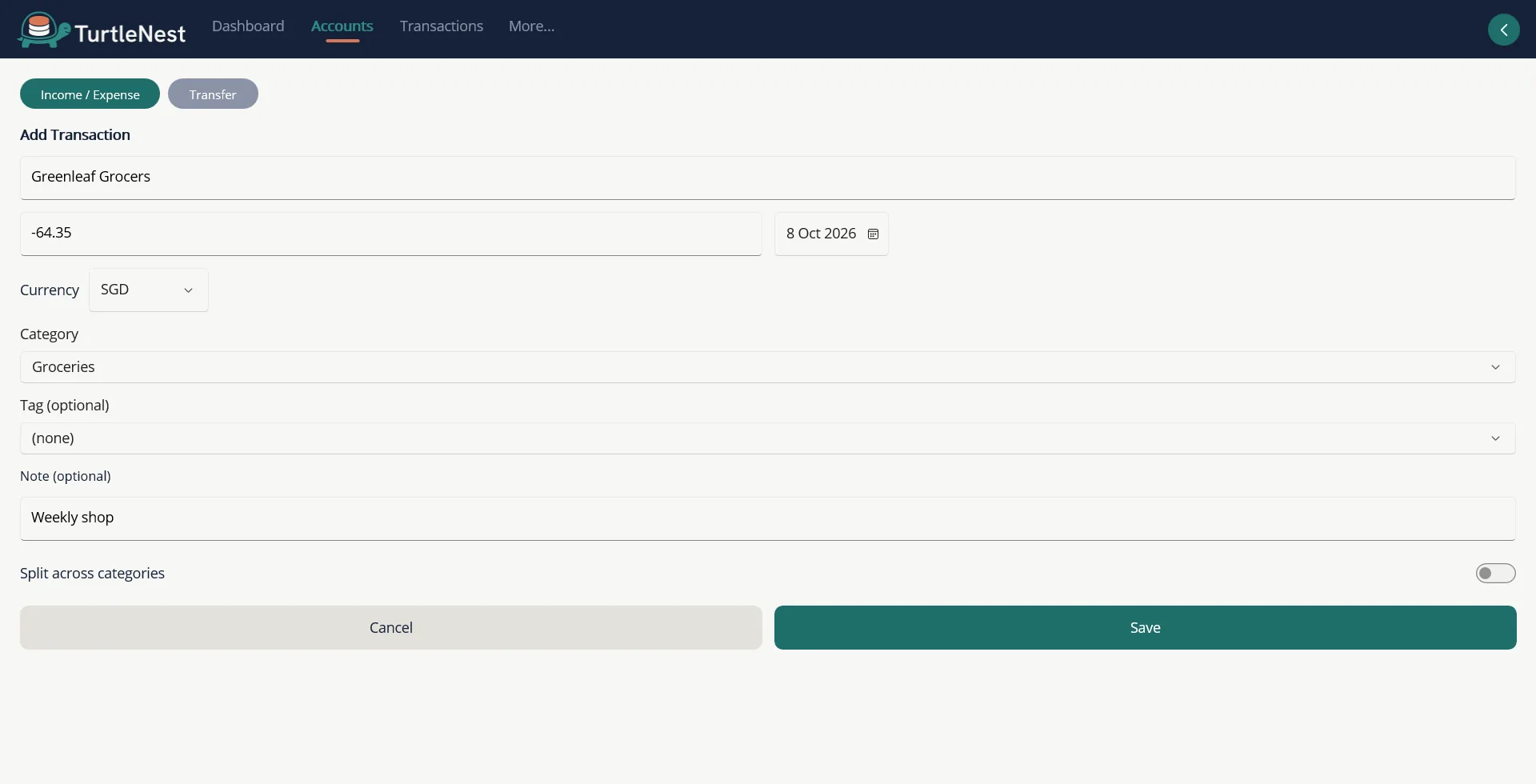
- Income, expense and transfer on one pageSwitch tabs on the account instead of opening a separate screen.
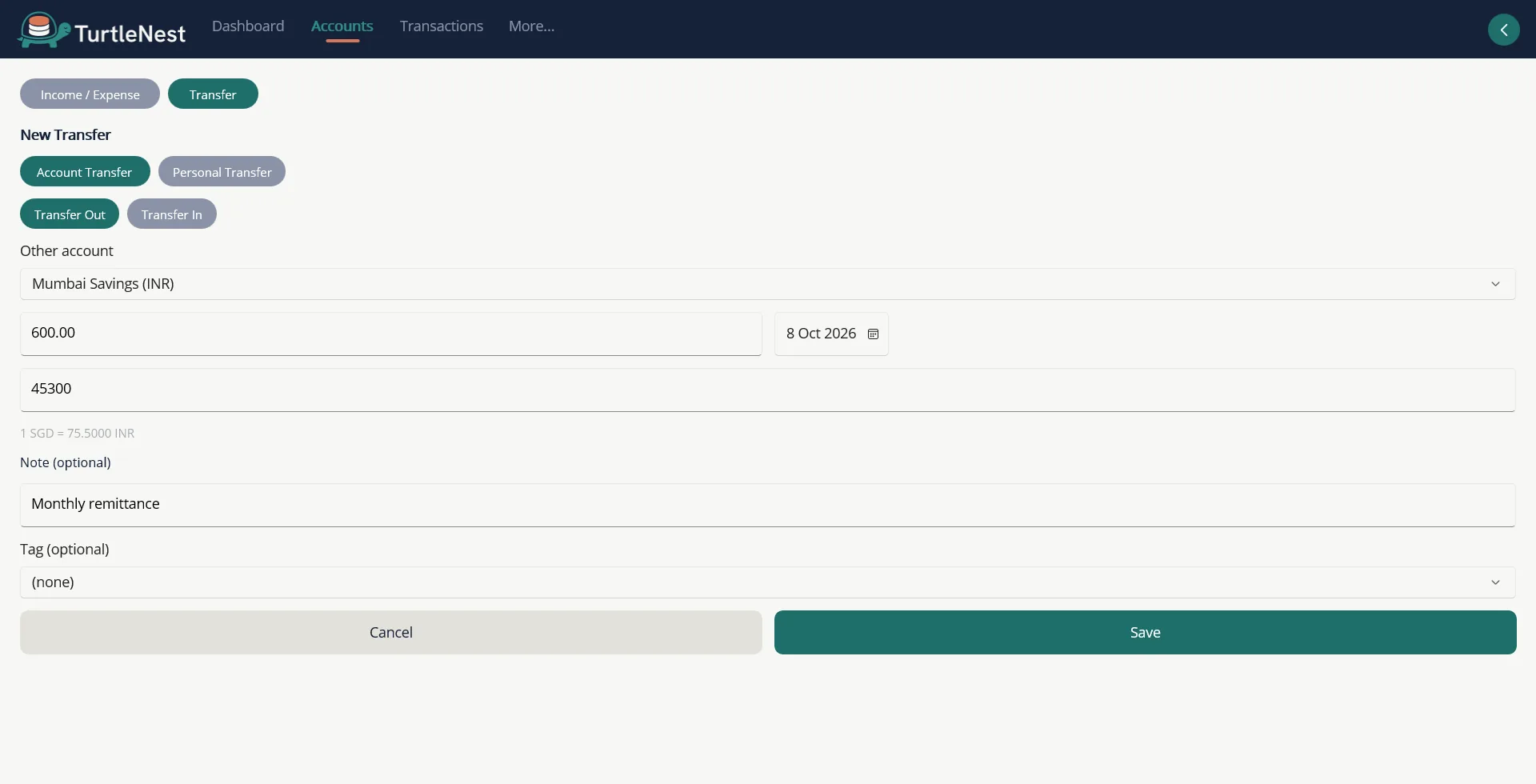
- Each account keeps its own currencyA transfer between currencies takes both amounts, so rates never guess.
Screens
More screens.
Also included
- Categories and payeesGroup spending your way and reuse payees across accounts.
- ProjectsTag spending to a trip, renovation or event and see the total.
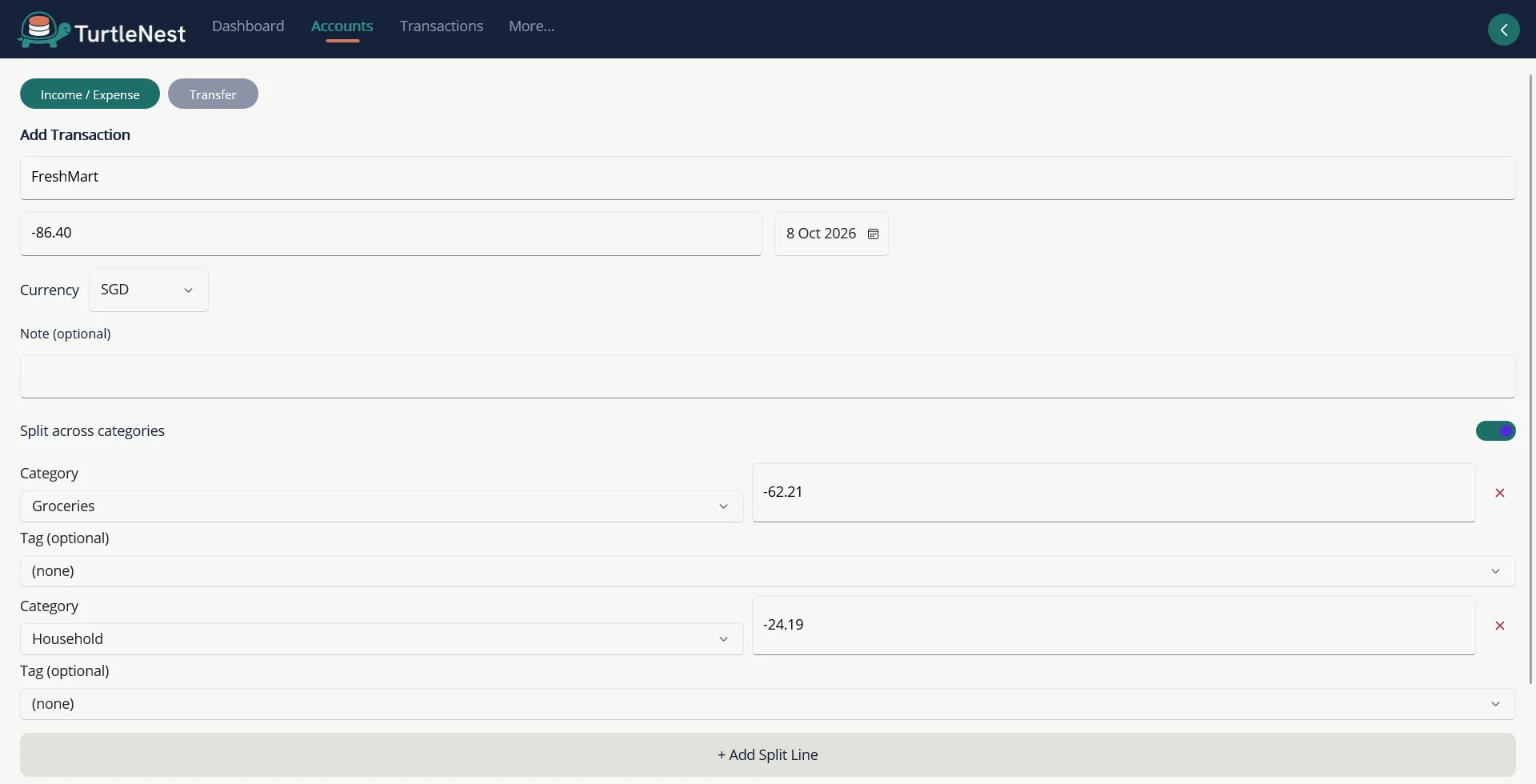
- Split transactionsDivide one receipt across several categories.
- Reconciliation marksMark each entry Unreconciled, Cleared or Reconciled as you match it to your statement.
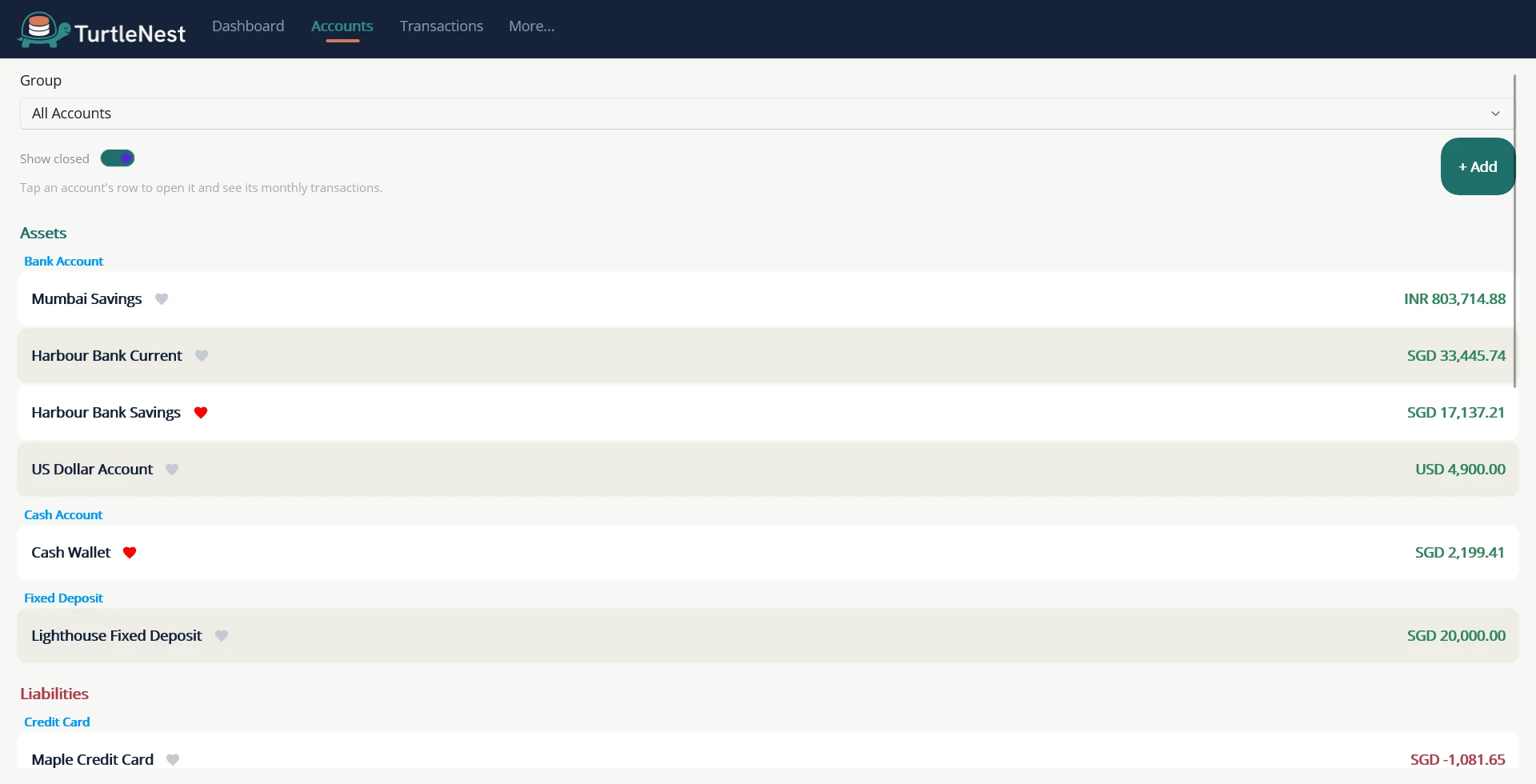
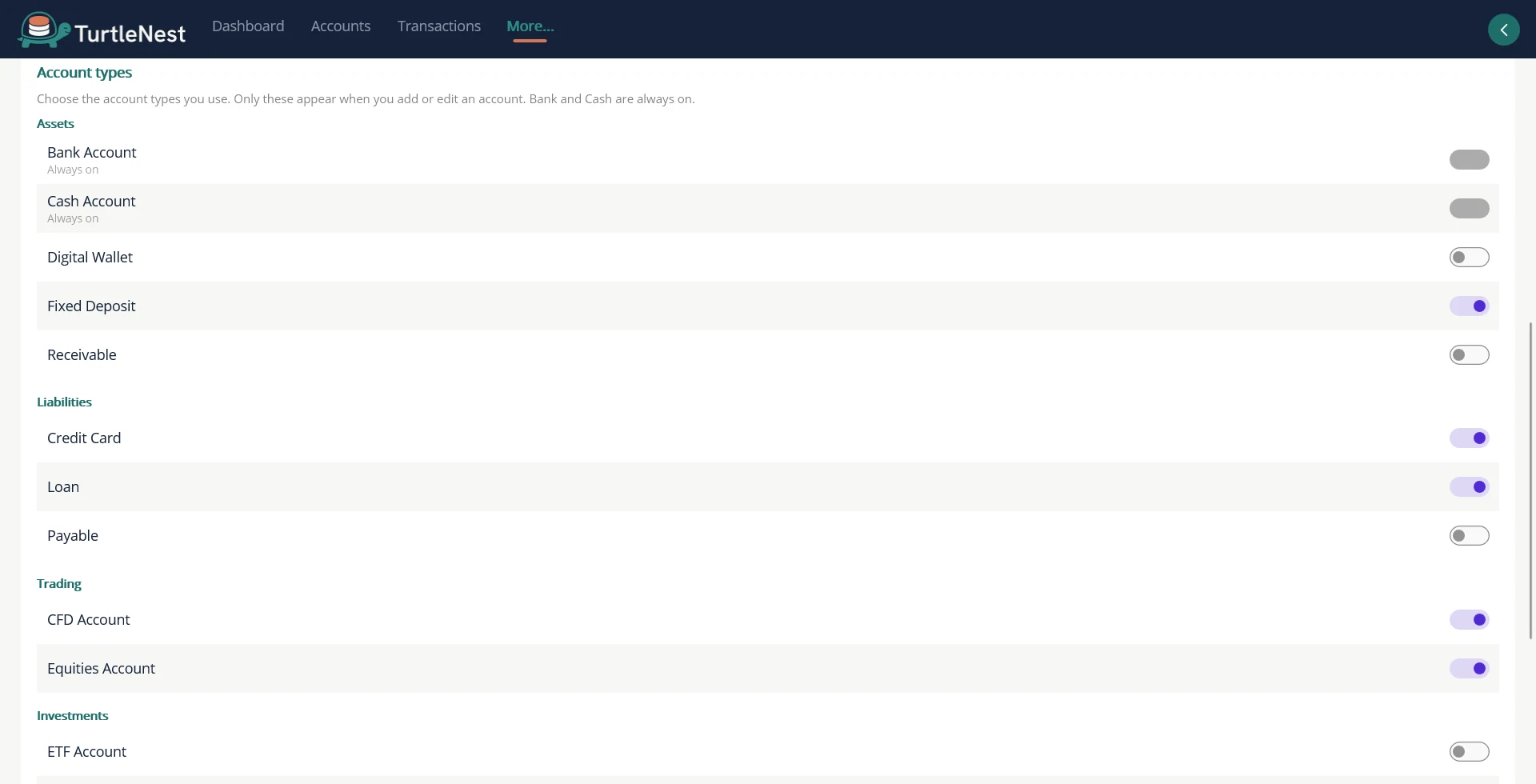
- Choose your account typesSwitch on only the kinds of account you use, and the Add Account list stays short.
- Account groupsCombine accounts, such as every card, into one subtotal.
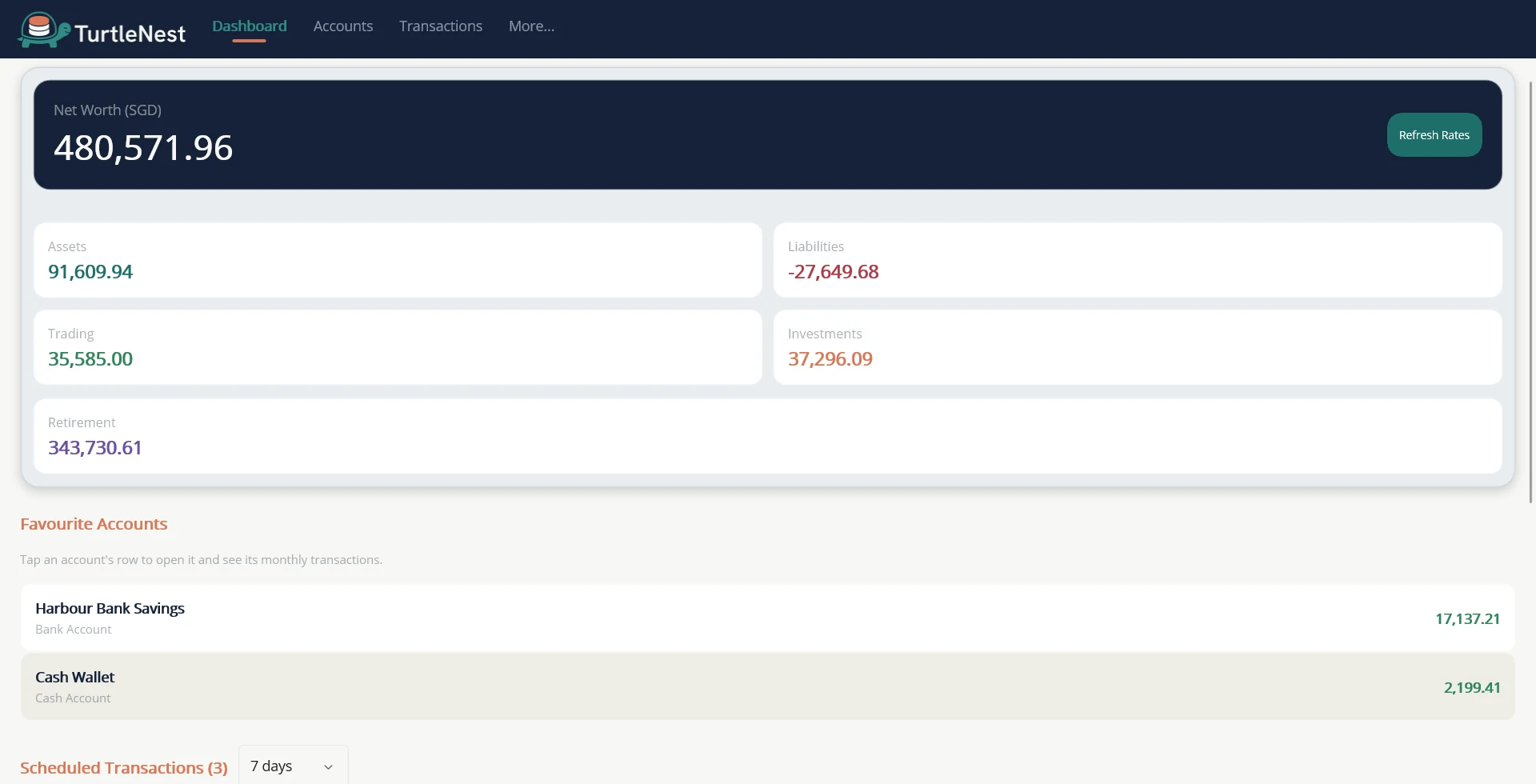
- Net worth in your base currencyEvery balance converts at the rates you set.
On Android
The same screens, rebuilt for a phone. Android screenshots come once the Android app is built.
Accounts list
Add transaction