Draft Windows screens are real, from the Demo login with made-up data. Hatched plates are Android screens still to come. Copy is a draft.

 by CoreWave Studio
Security and privacy
Your data stays yours.
TurtleNest keeps your finances in an encrypted file on your own device. Cloud sync is optional and will be switched on by you.

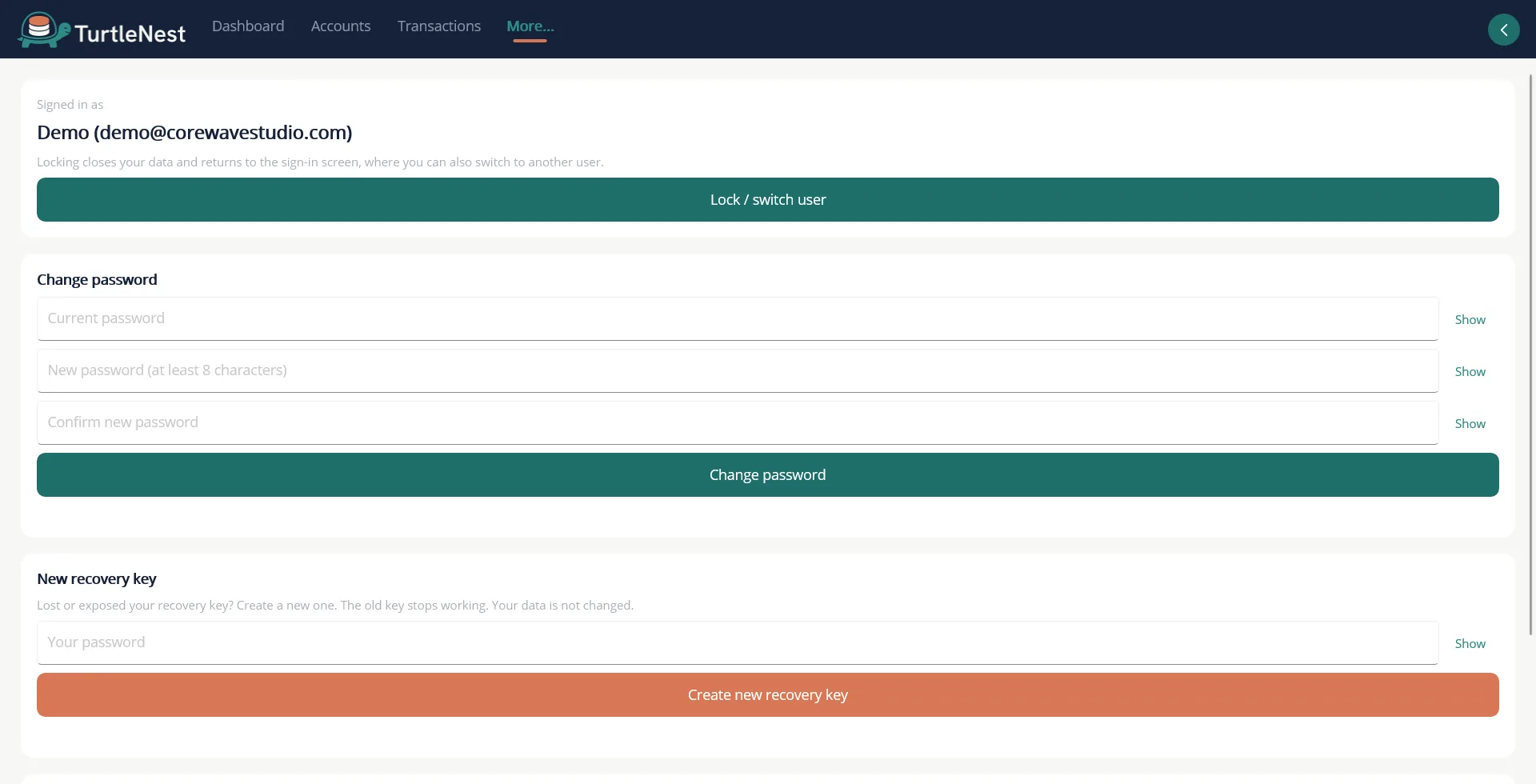
- A login and a database per personEveryone on the PC has a private, encrypted database. Lock or switch user at any time.
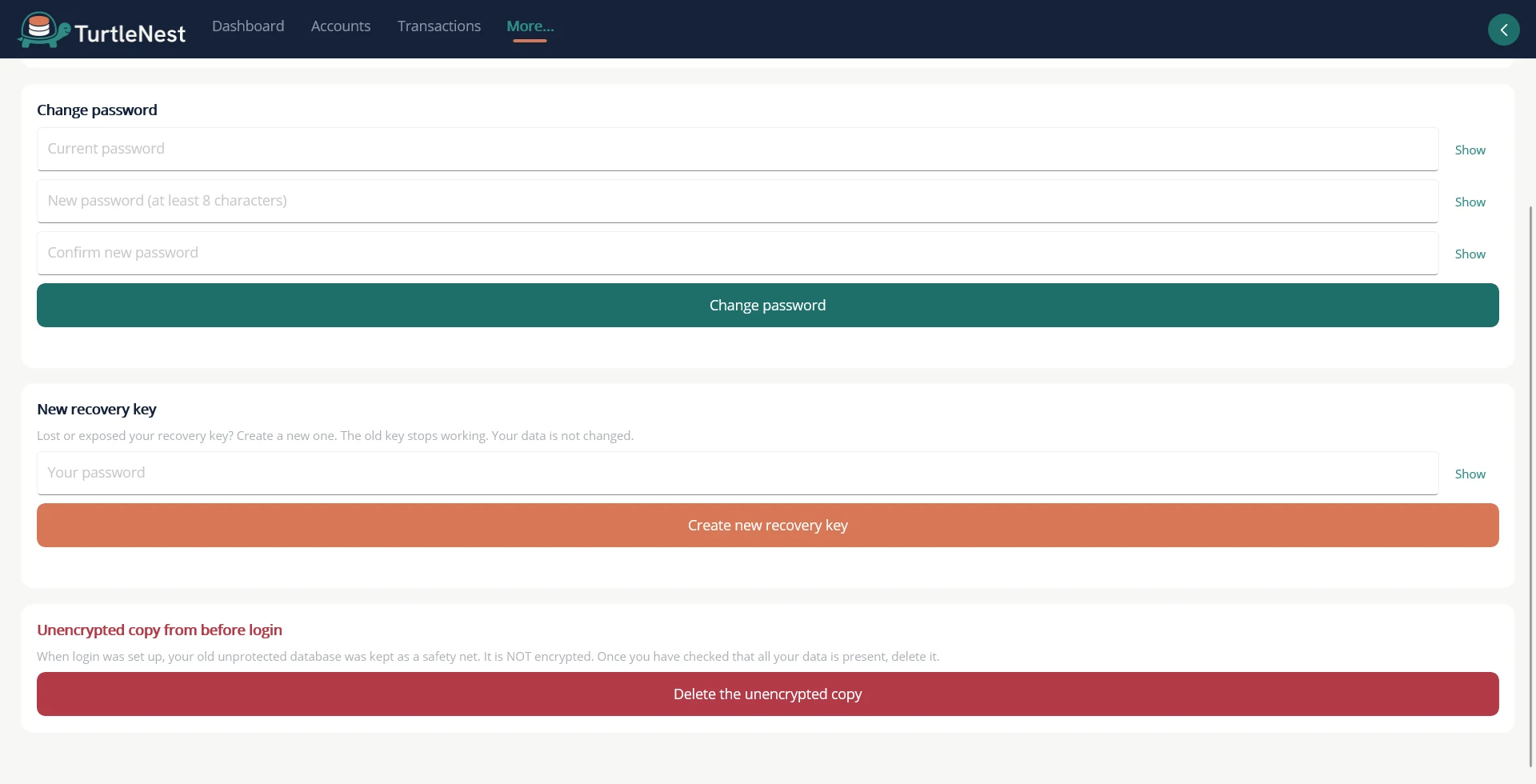
- A recovery key, shown onceWithout your password or recovery key nobody can open the file, including us.
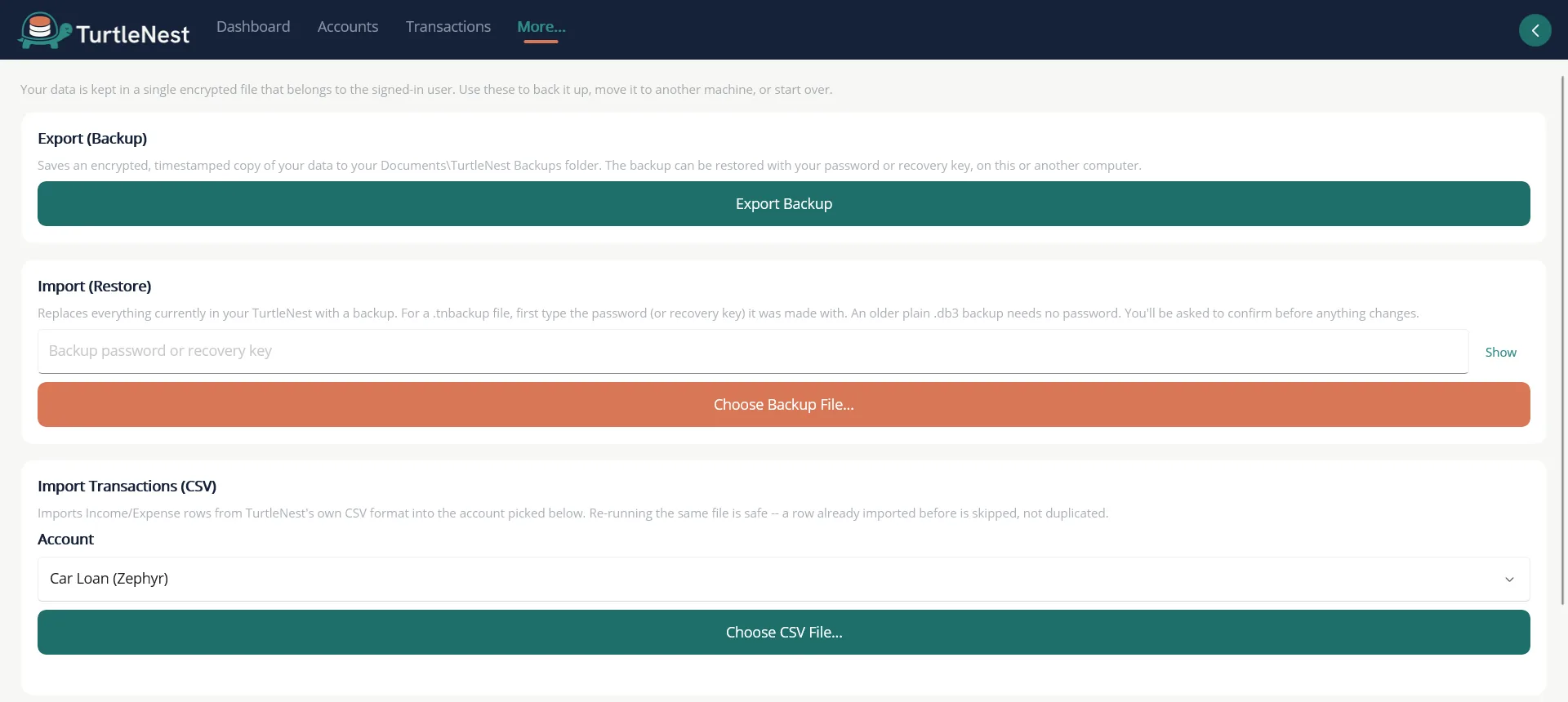
- Backups you can restore anywhereAn encrypted bundle restores on another machine with your password or key.
Screens
More screens.
Planned Cloud sync is designed but not built yet. This page should say so until it ships. Privacy and terms.
Also included
- Encrypted at restThe database is encrypted with a key that is itself protected by your password.
- Wrong-password back-offRepeated failures slow down, and the delay survives a restart.
- Cloud sync, plannedOptional sync across your own devices. You switch it on with your own TurtleNest account, your records are encrypted on your device before upload, and each person can only reach their own data.
On Android
The same screens, rebuilt for a phone. Android screenshots come once the Android app is built.
Sign in
Account & Security