Draft Windows screens are real, from the Demo login with made-up data. Hatched plates are Android screens still to come. Copy is a draft.

 by CoreWave Studio
Investments and loans
Record what you hold and what you owe, the way it actually works.
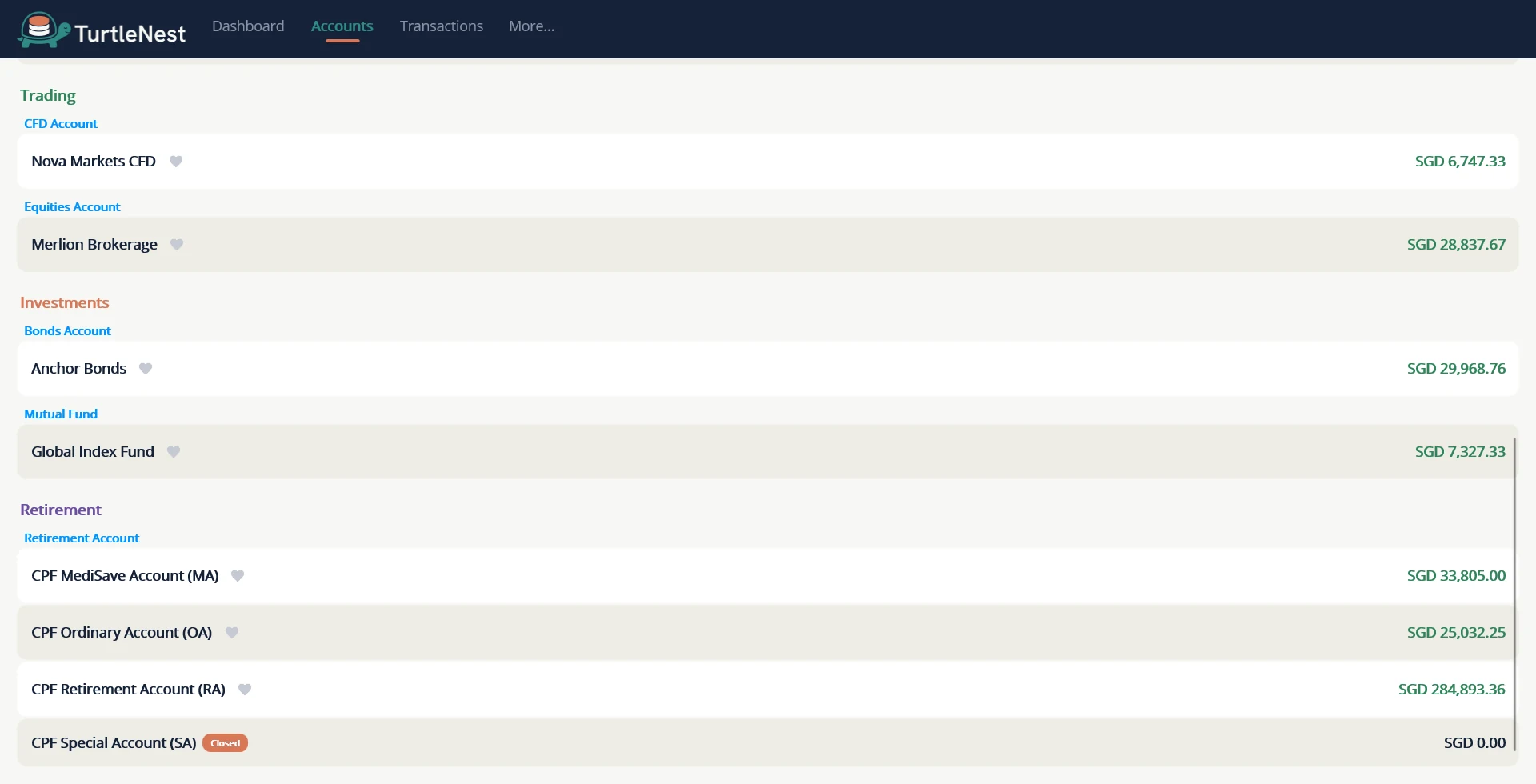
Shares, bonds, fixed deposits and loans each have their own screen, with the terms and dates that matter.
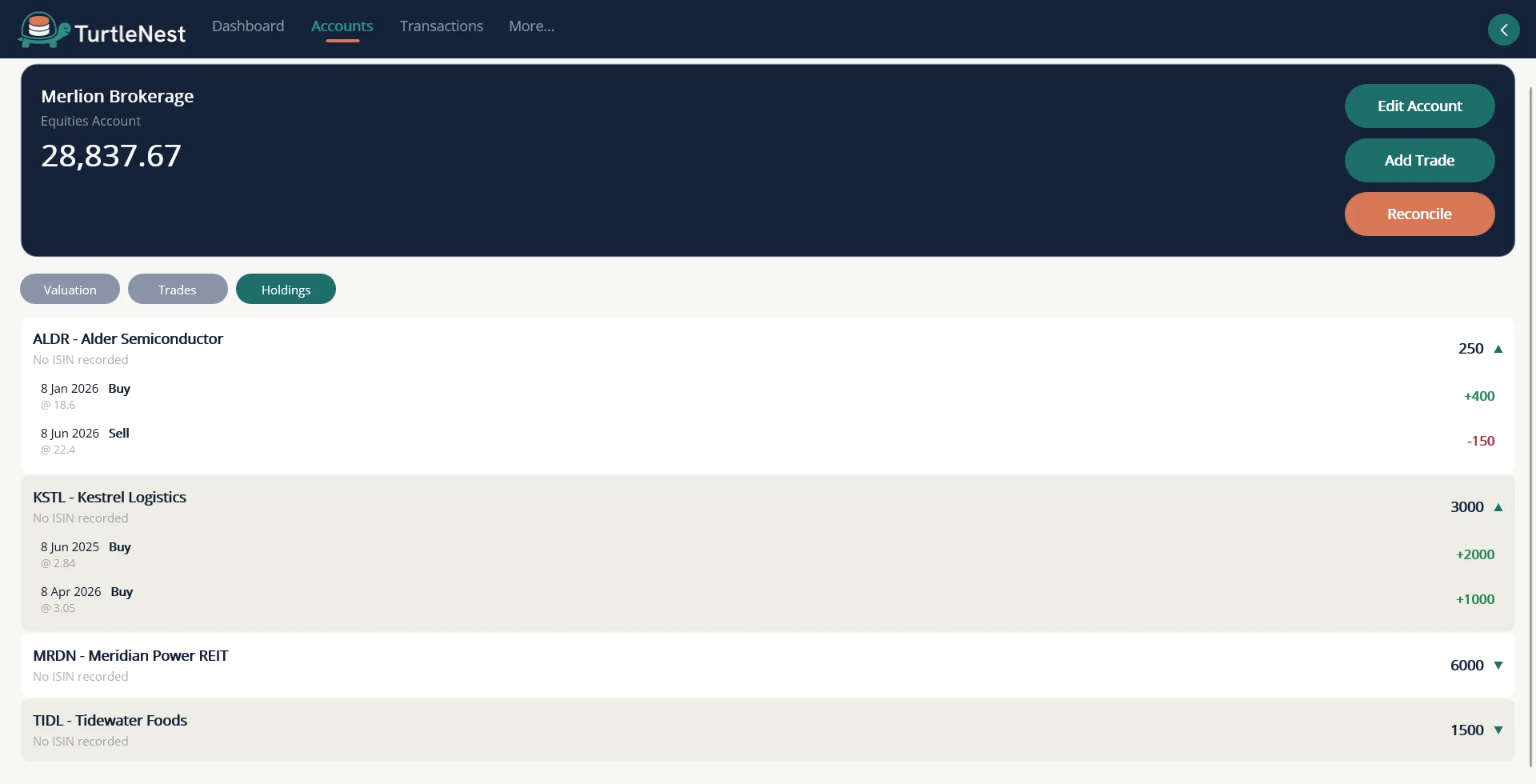
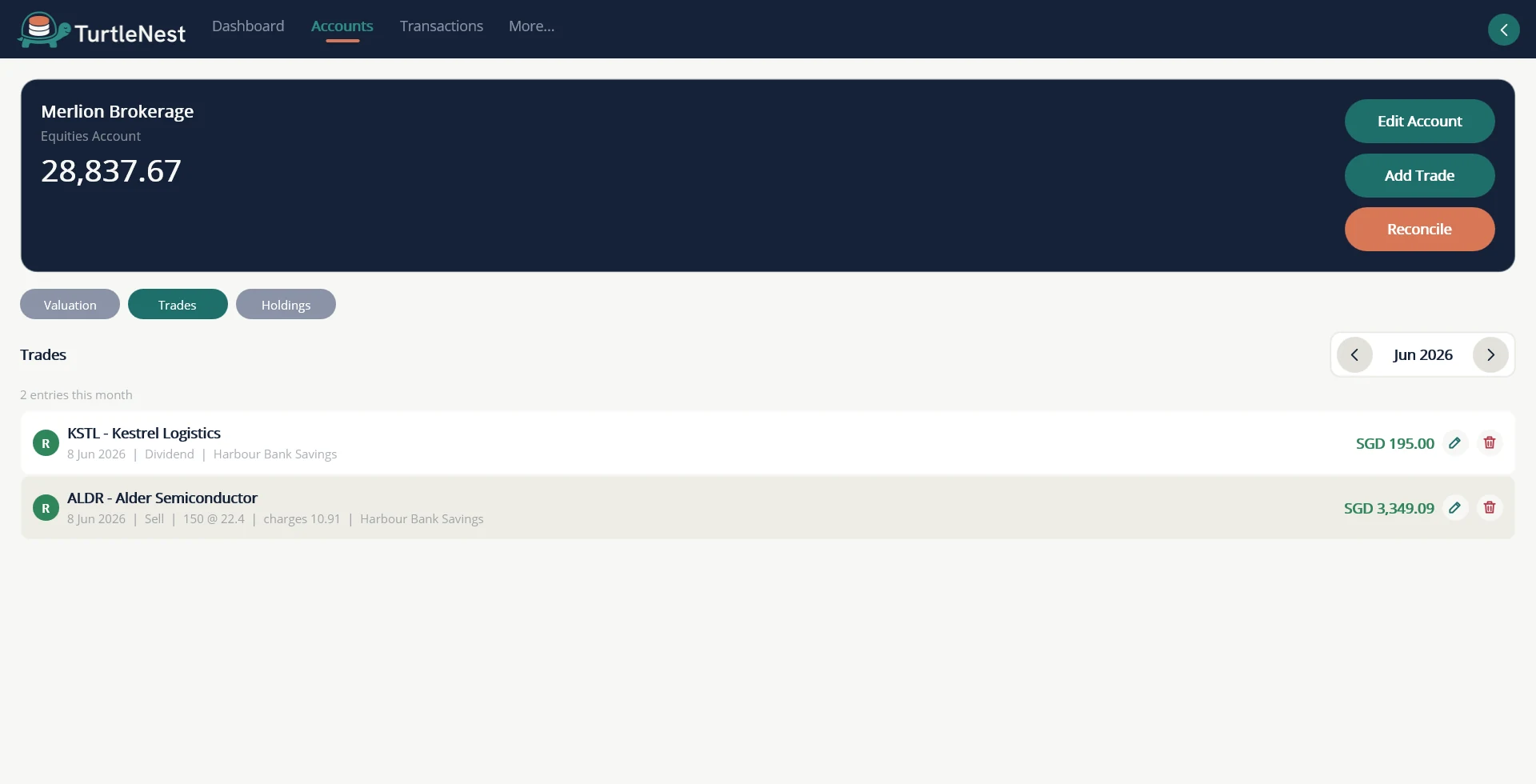
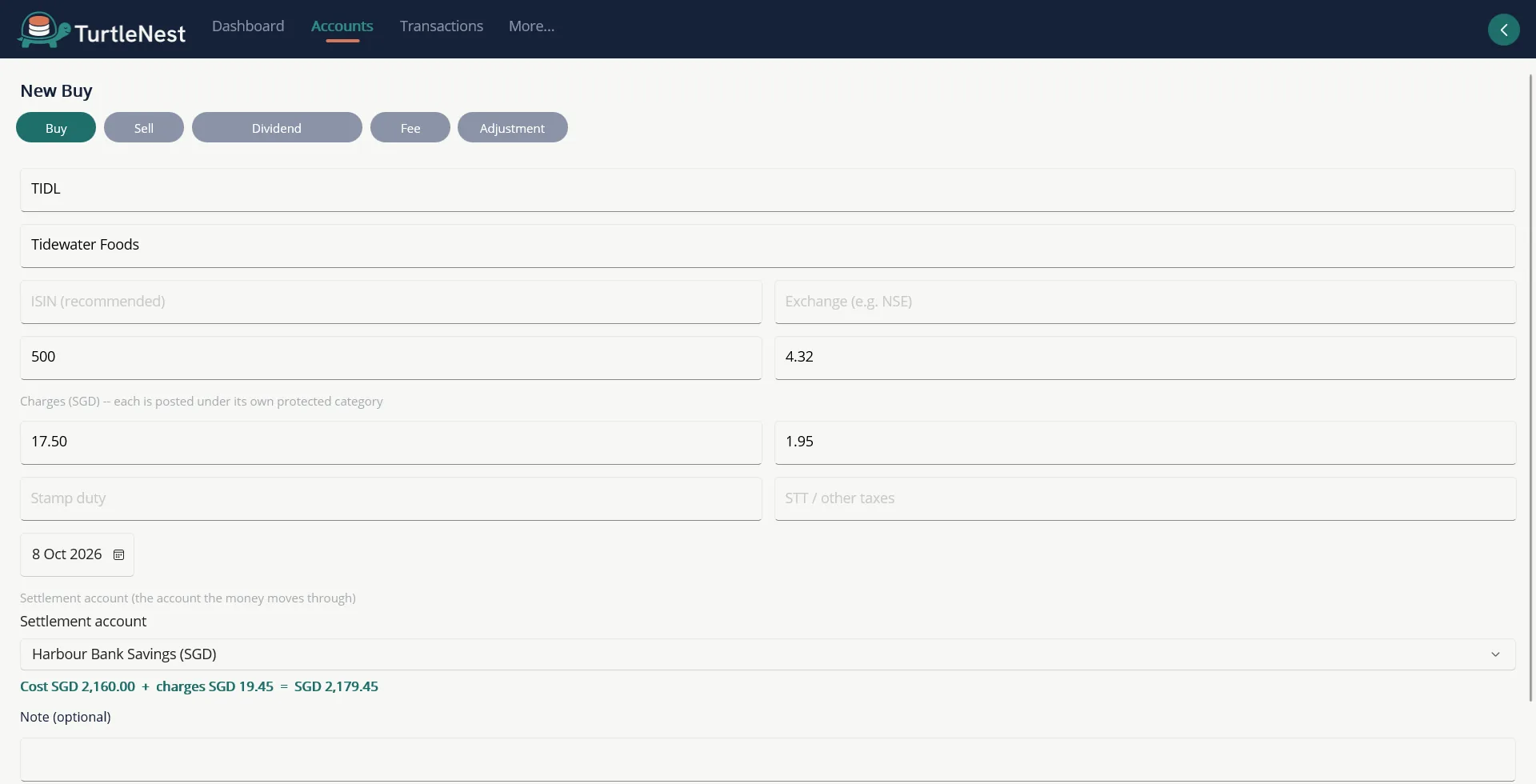
- Demat holdings with a trade logBuys, sells and charges are entered once; holdings and cost follow.
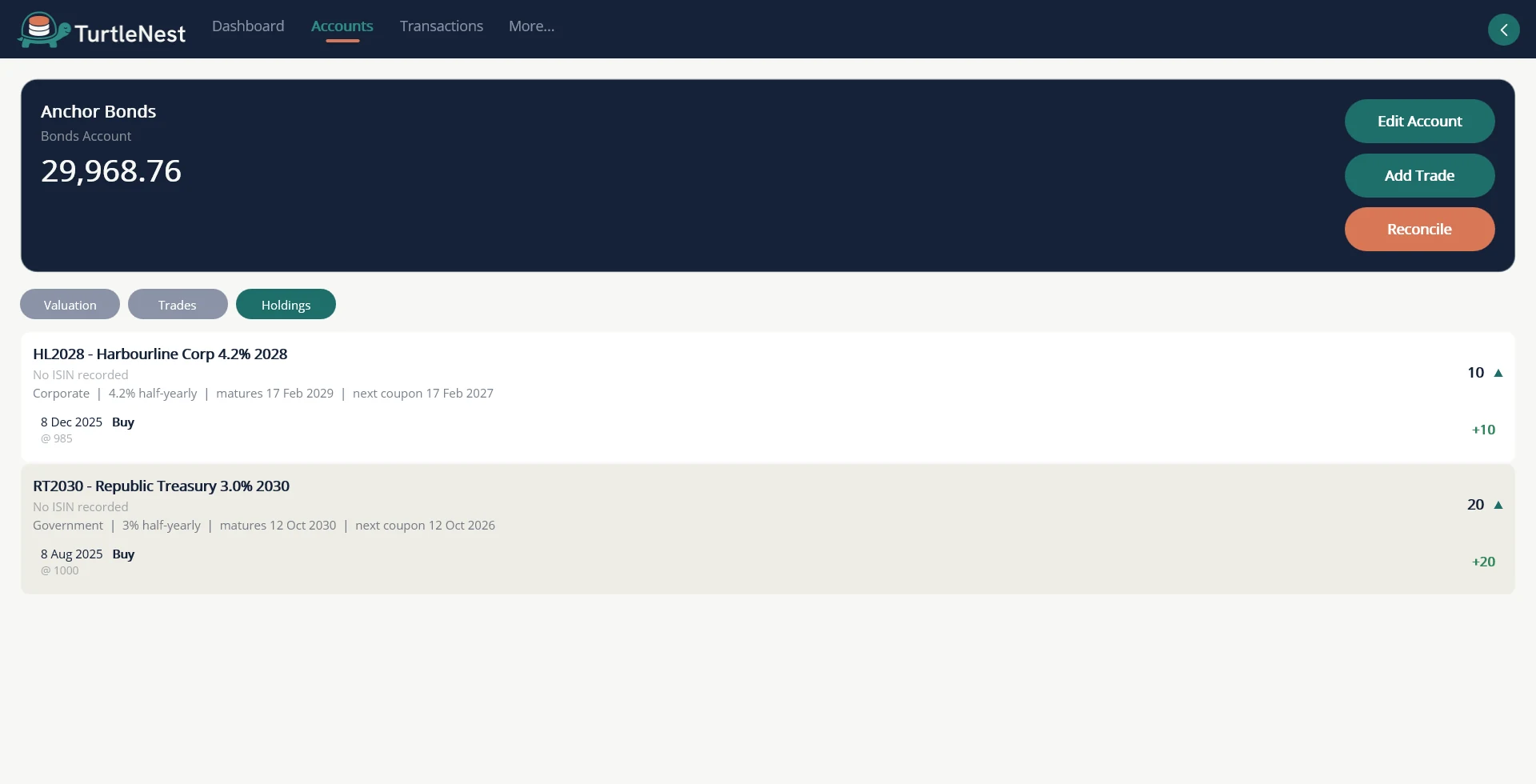
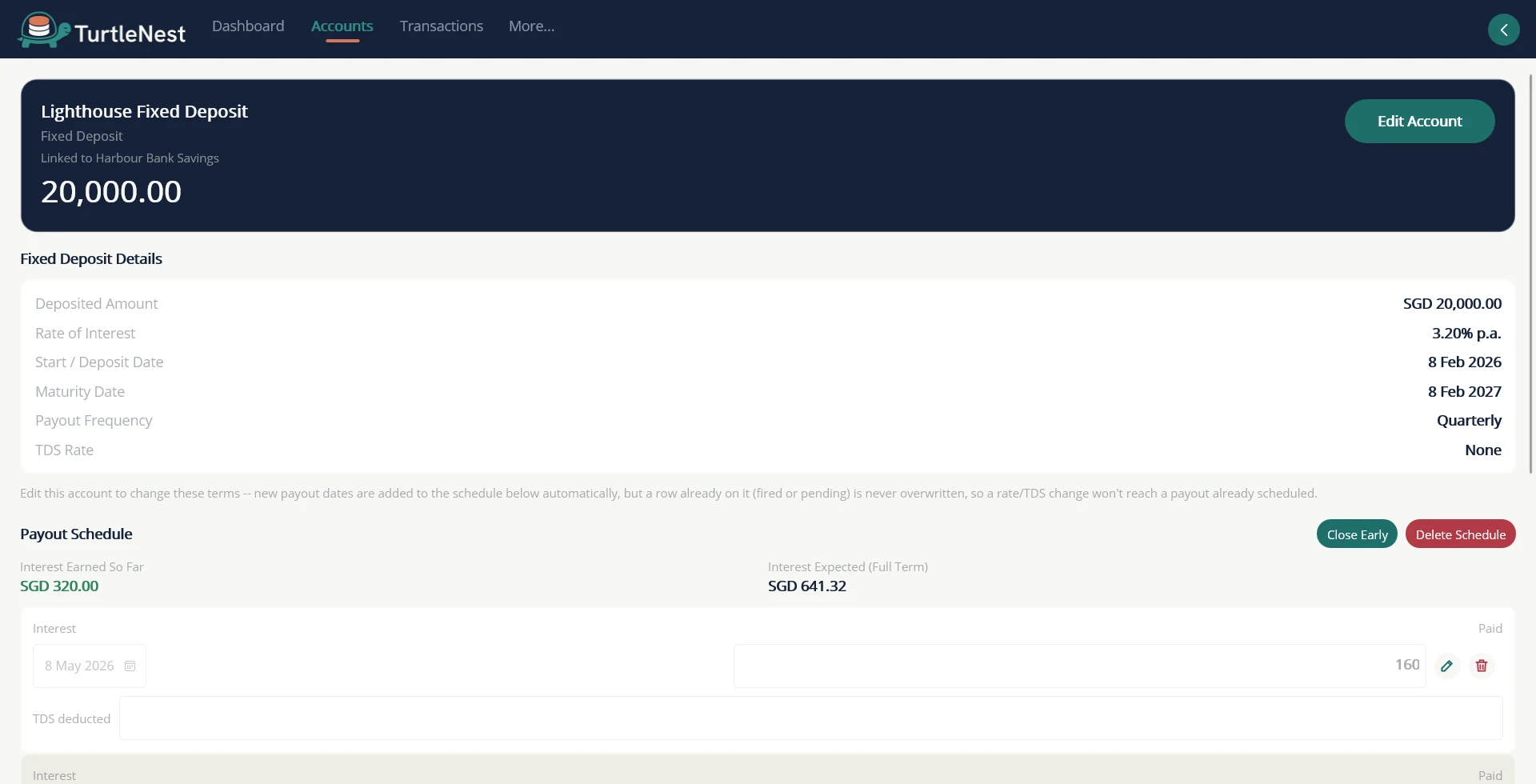
- Bonds and fixed depositsMaturity dates and interest schedules sit on the calendar for you.
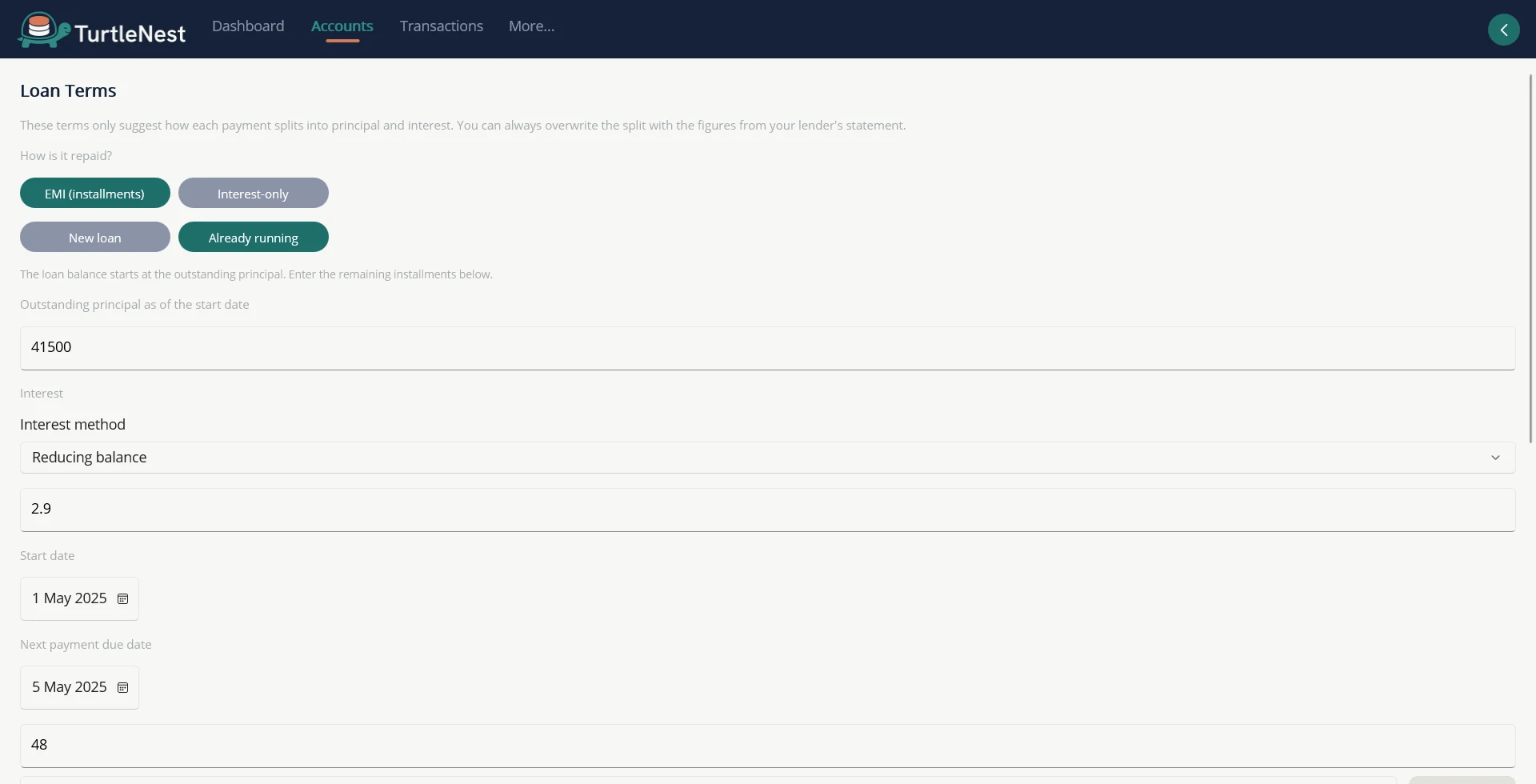
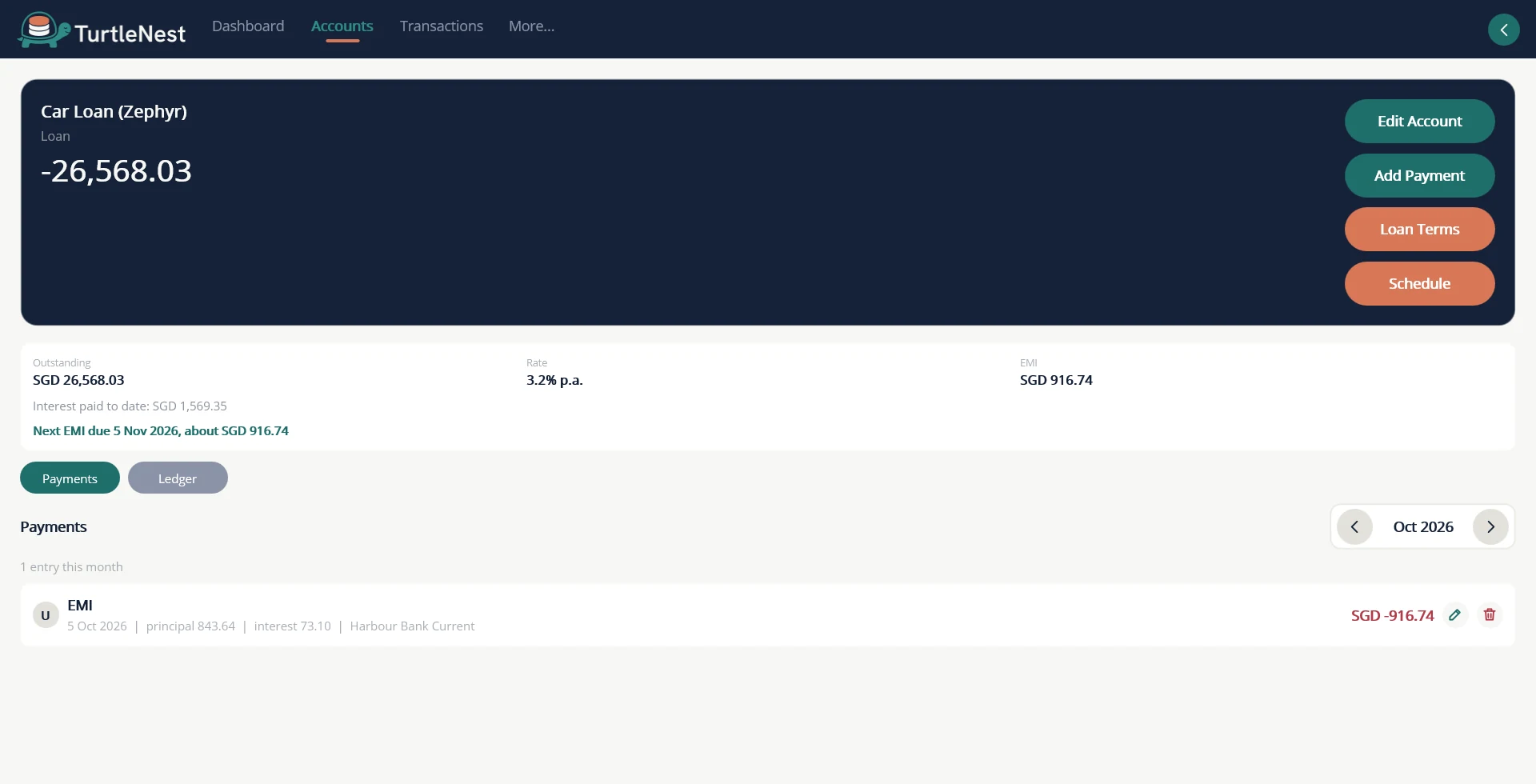
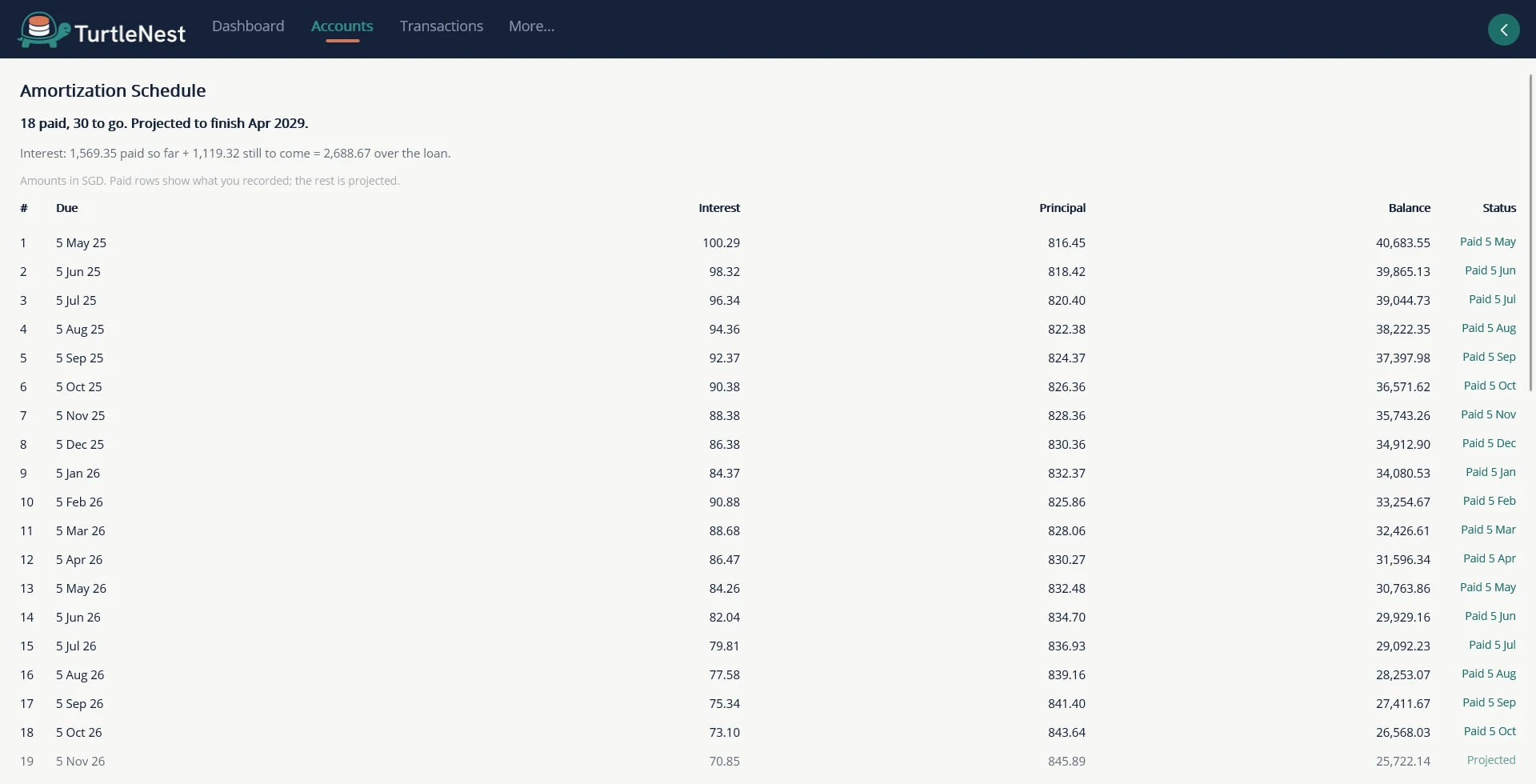
- Loans with an amortization scheduleSet the terms, log each payment, see principal and interest split.
Screens
More screens.
 Trade CFDs on MetaTrader? TurtleNest can import the trade history written by the P&L Calendar, so closed trades arrive without retyping. See how in the user guide.
TurtleNest records what you did. It does not stream prices, tell you what to buy or calculate tax.
Also included
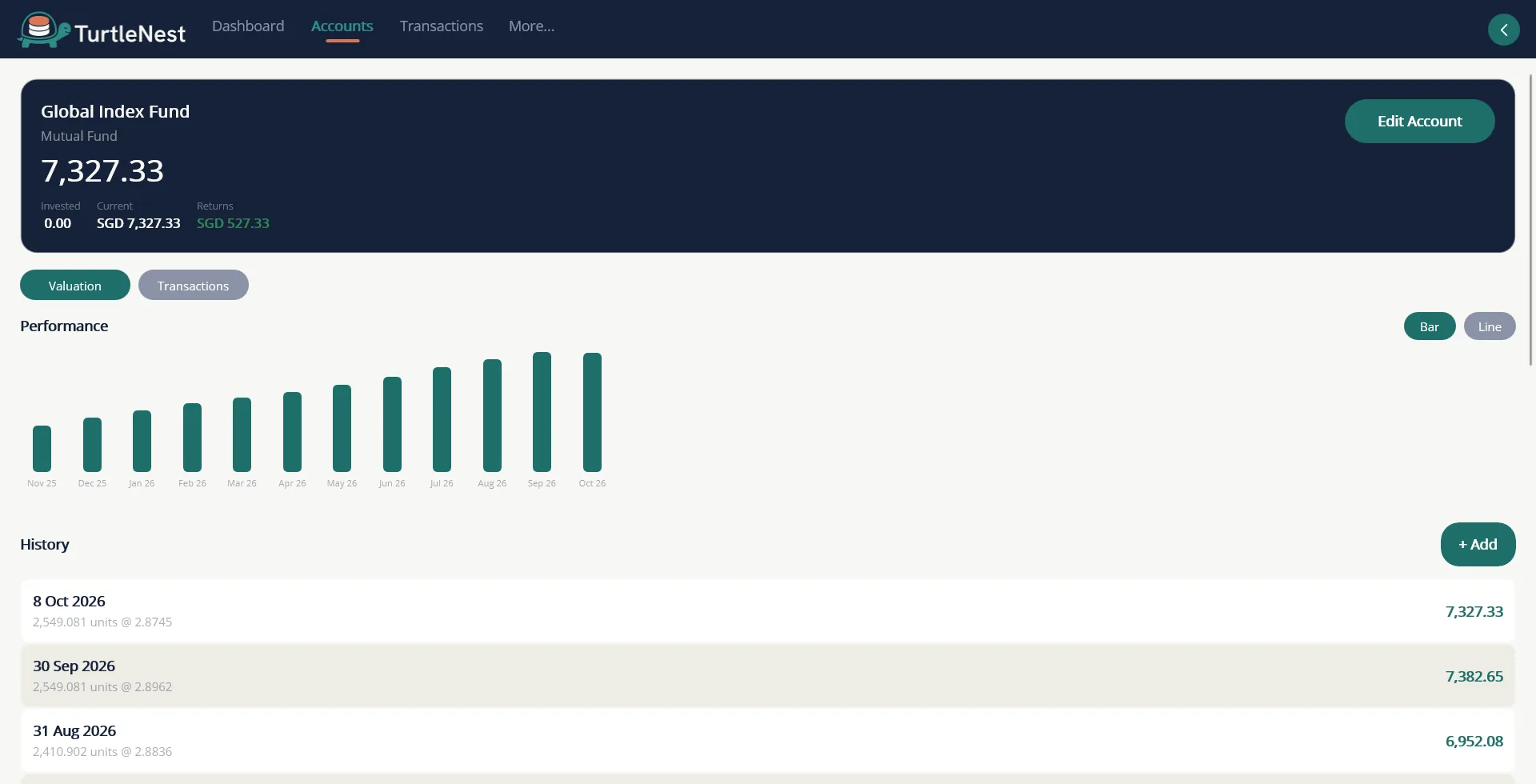
- Funds and ETFsPeriodic valuation snapshots by day, week, month or year.
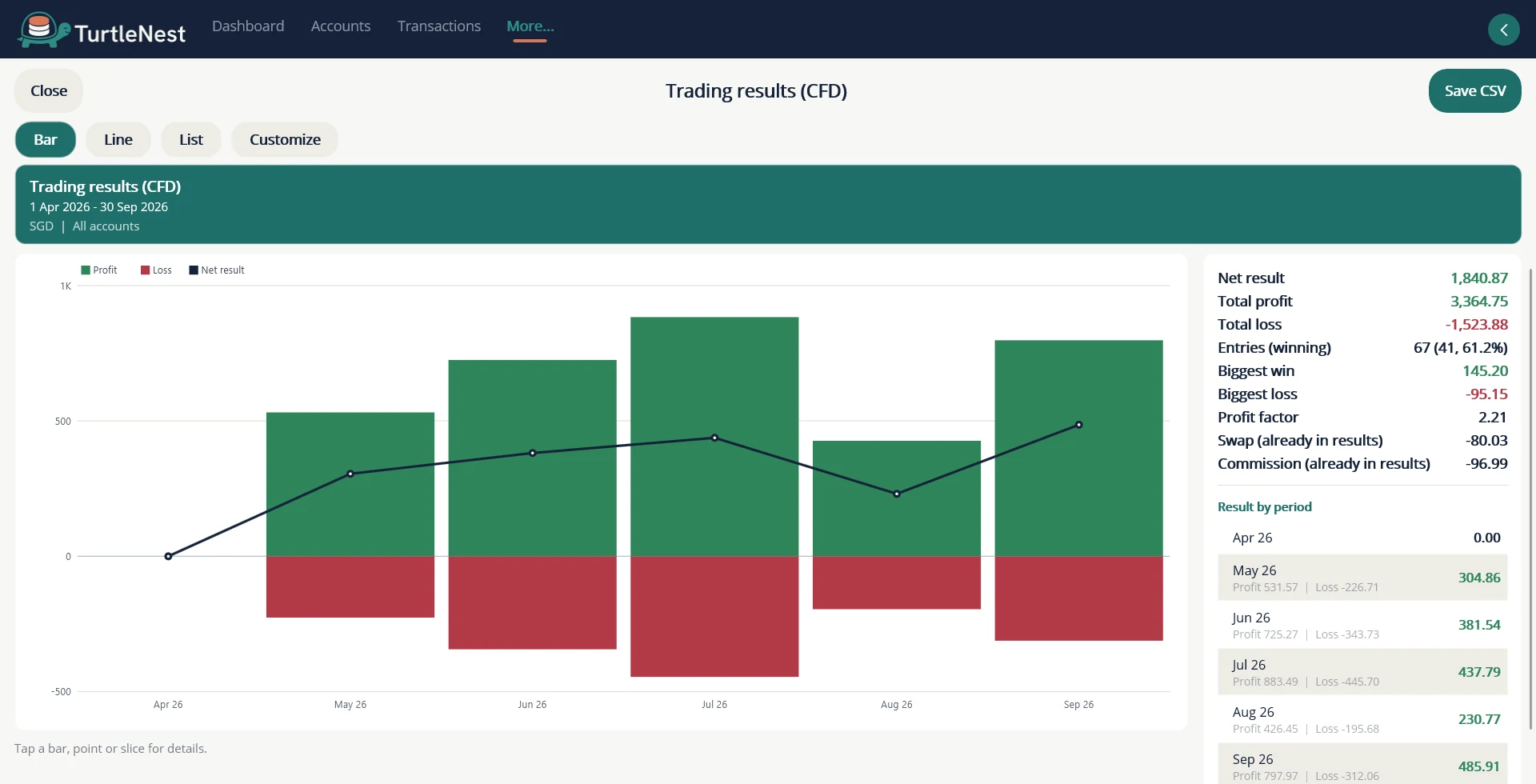
- CFD trading resultsEnter results, or import your MetaTrader history, and see wins, losses and profit factor by period.
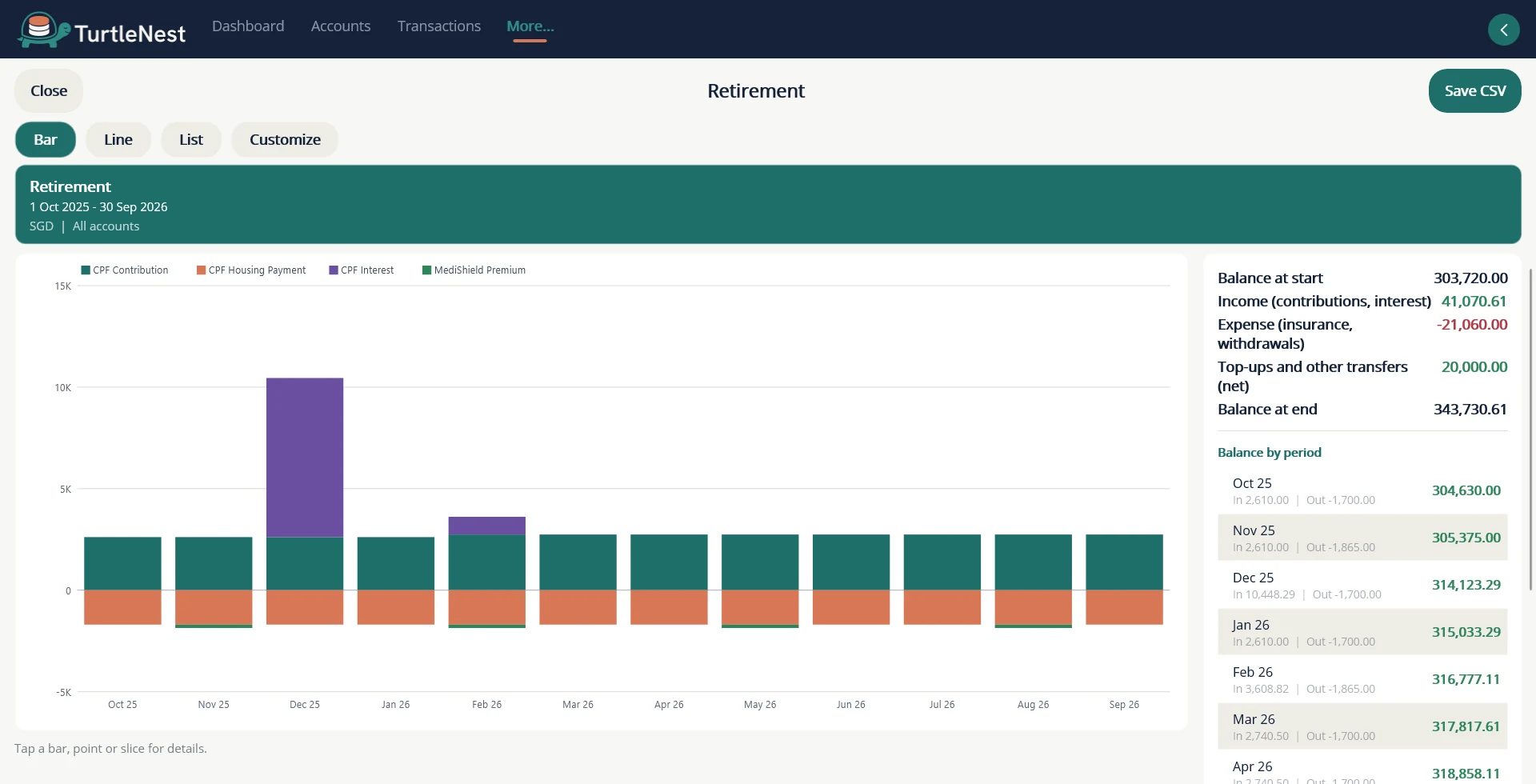
- Retirement accountsCPF, EPF or a similar scheme, kept on its own Retirement line, with contributions, interest and balances by account.
- Totals in your base currencyHoldings across currencies roll into one net worth.
- Maturity remindersFixed deposits and bonds appear on the calendar before they mature.
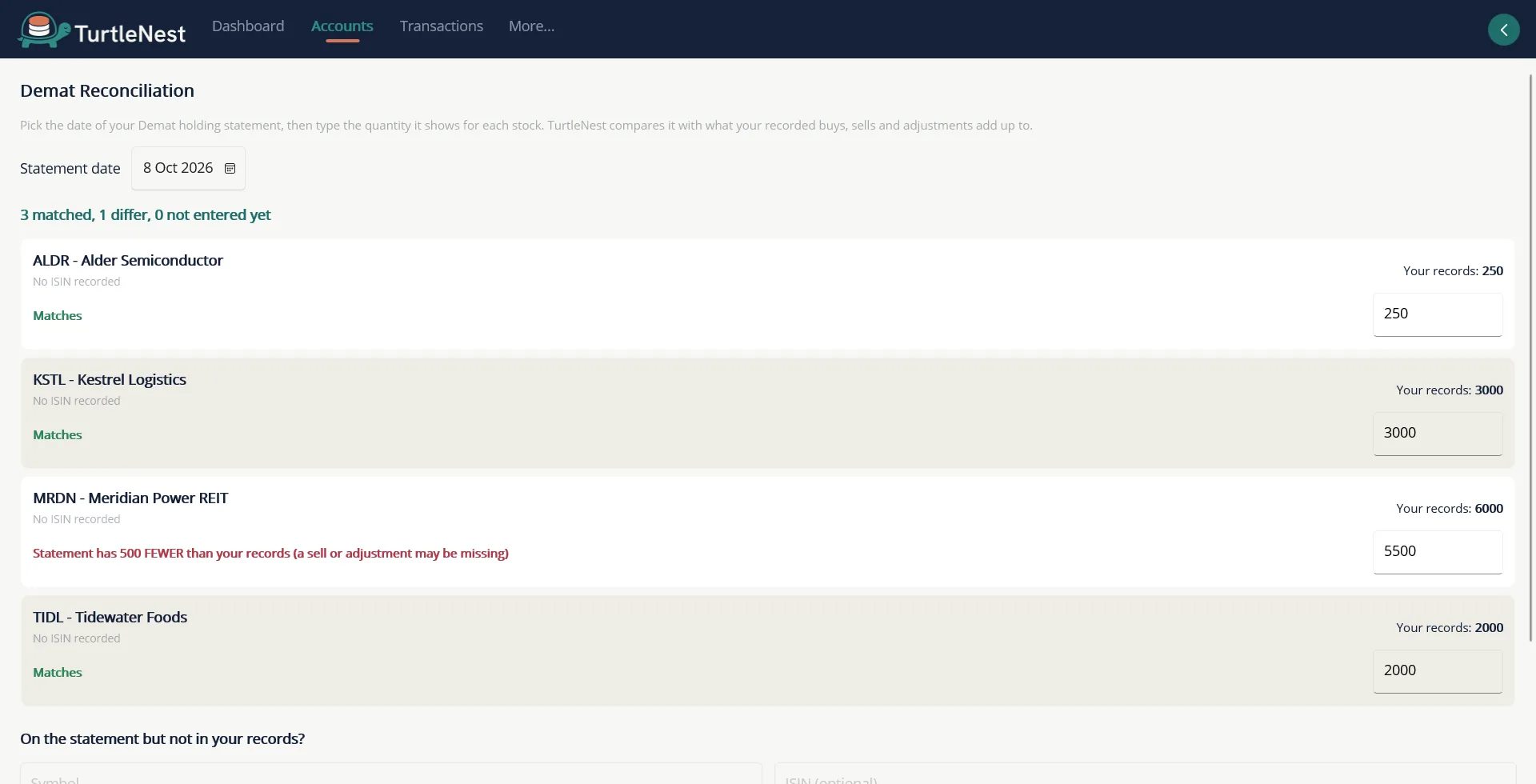
- Demat reconciliationType the quantity your Demat statement shows and see at once which stocks match and which differ.
On Android
The same screens, rebuilt for a phone. Android screenshots come once the Android app is built.
Holdings
Loan schedule